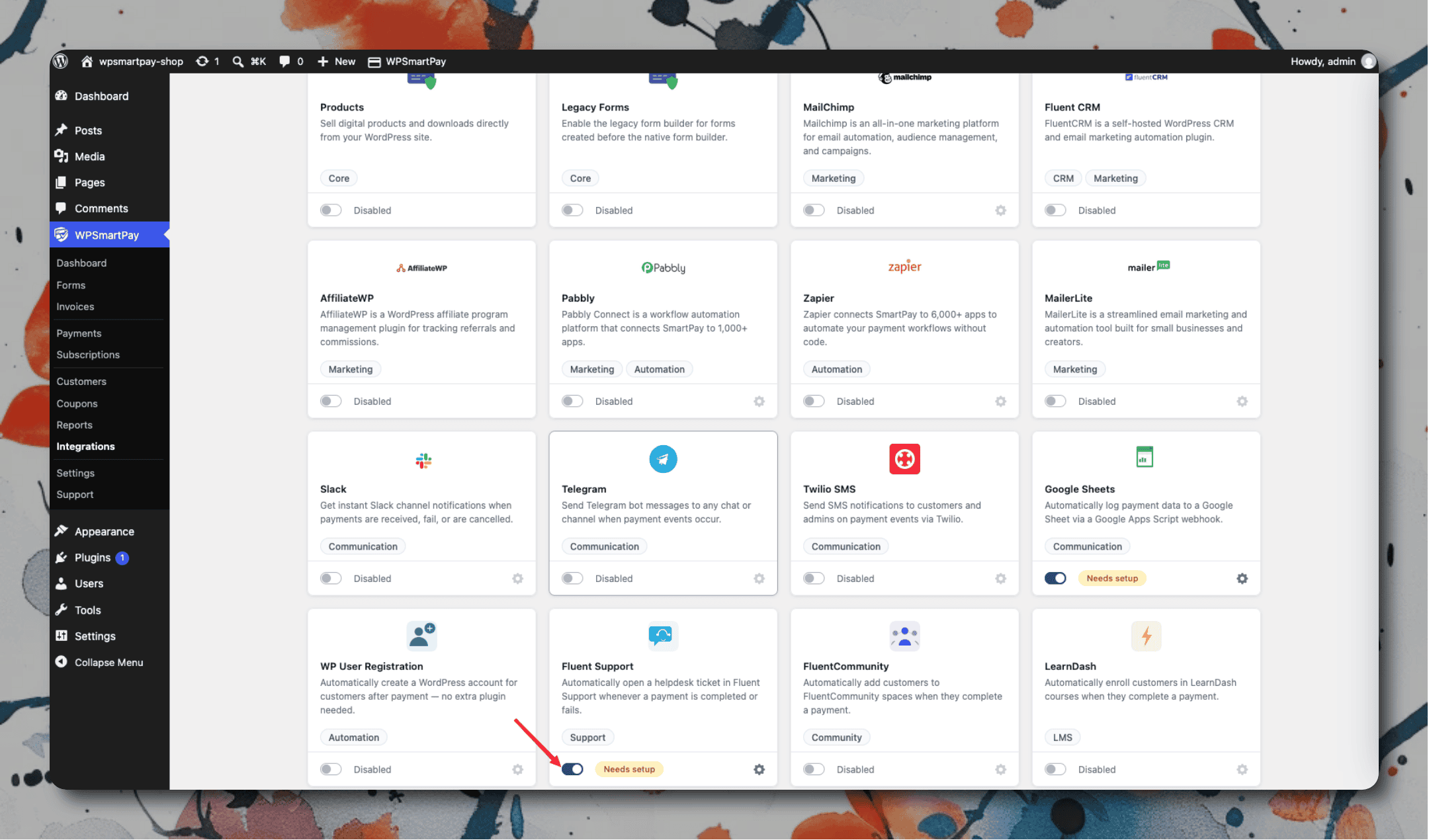
Automatically opens a helpdesk ticket in Fluent Support when a payment is completed or fails — so your support team always has a ticket ready without the customer having to submit one manually.
Requirements
Fluent Support must be installed and active (free version on WordPress.org). Configure at least one mailbox in Fluent Support → Mailboxes before enabling this integration.
Setup
Go to SmartPay → Extensions and toggle Fluent Support on.
Click the gear icon to open Settings → Extensions → Fluent Support.
Choose the Mailbox that should receive tickets.
Set the Subject Template using placeholders:
{{payment_id}},{{customer_name}},{{amount}}.Write the Body Template for the ticket description.
Select which events (Payment Completed, Payment Failed) should create a ticket.
Click Save Changes.