
Form Goals
Set a revenue or quantity target on any payment form and let SmartPay track progress automatically. A goal progress bar can be embedded on your public page to create urgency, while the Goals tab in Reports gives you a live dashboard of every active goal across all your forms.
What Goals Do
Track total revenue collected or total number of payments against a target you set per form.
Optionally display a progress bar block on the payment form page so visitors can see how close the goal is to being reached.
Optionally stop accepting new payments once the goal is met, or display a custom message.
Set a stop collection date independent of the target — useful for time-limited campaigns.
Note: While a form is in a campaign, its own goal is paused and the campaign goal is used instead. The Goal tab shows a notice instead of its settings. Detach the form to use its own goal again.
Enabling a Goal on a Form
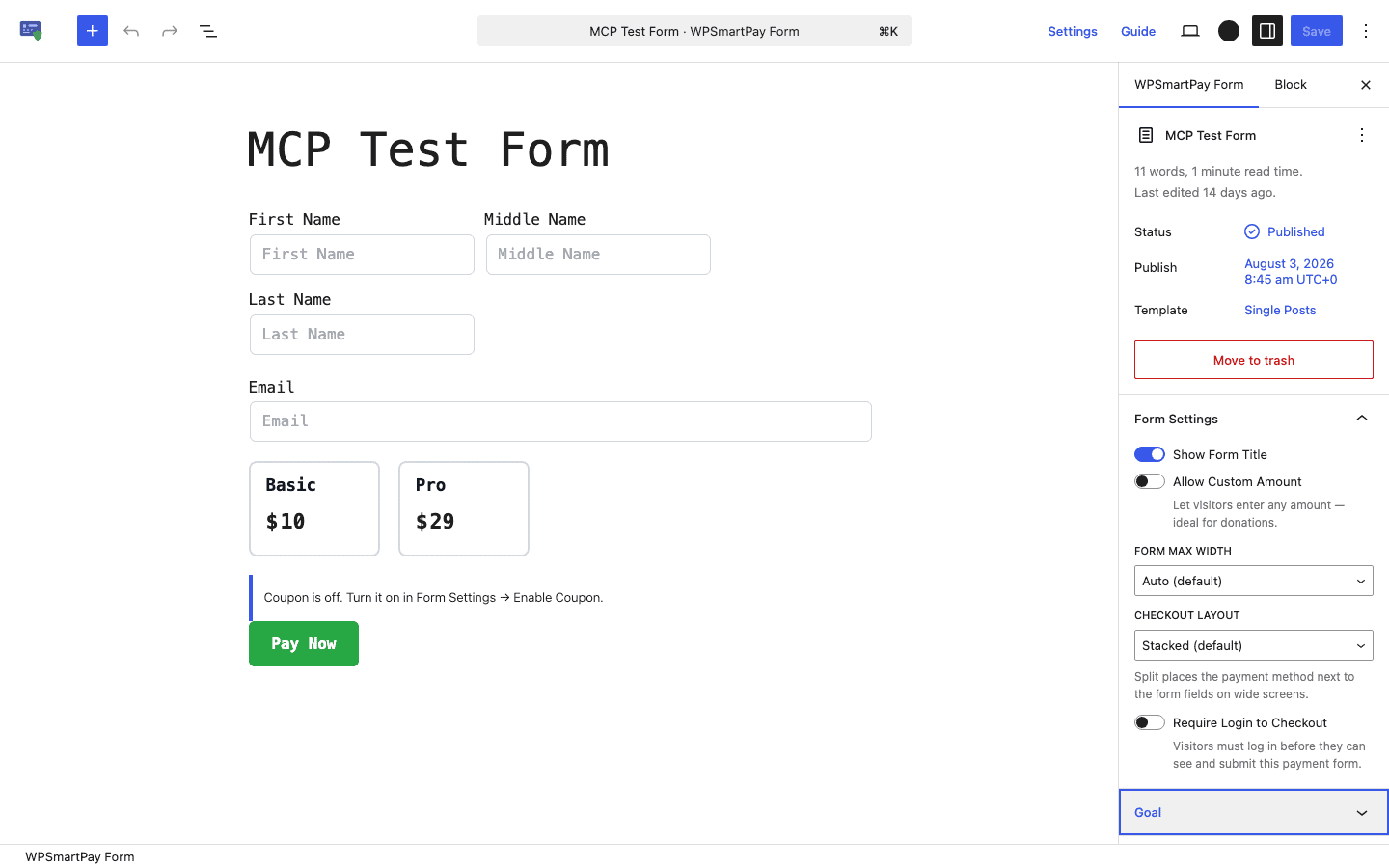
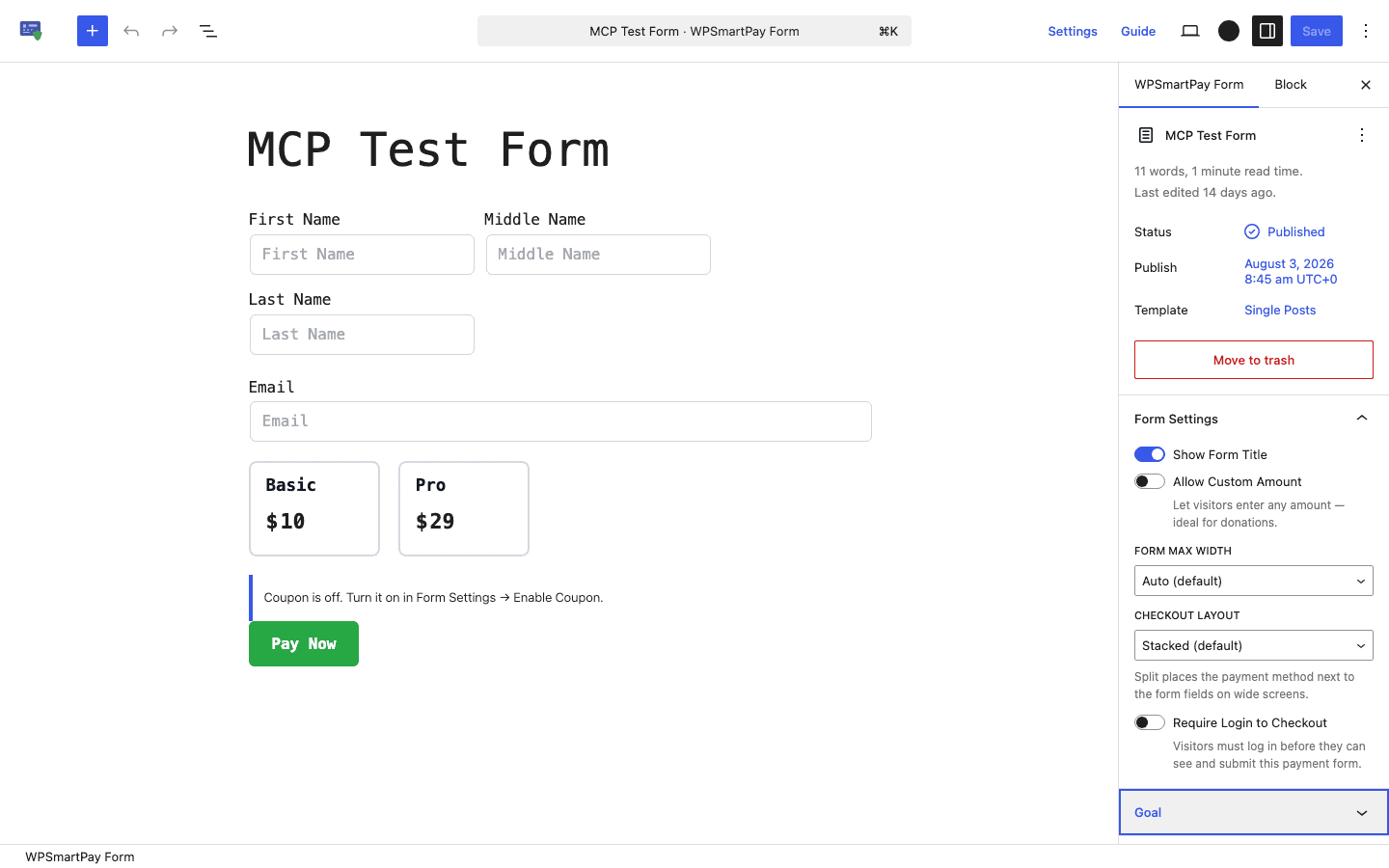
Go to SmartPay → Forms and open a form in the editor.
In the right sidebar, click the Goal tab.
Toggle Enable Goal on.
Configuring the Goal
Goal Type
Type | Tracks | Example target |
|---|---|---|
Revenue | Total amount collected in your default currency | $5,000 raised |
Quantity | Total number of completed payments | 100 registrations |
Target
Enter the number the goal should reach. For revenue goals this is a currency amount; for quantity goals this is a count of payments.
Show Progress to Public
When enabled, the Goal Progress block added to the form canvas displays a progress bar to all site visitors. Disable it to track the goal internally without showing it on the public form page.
When Goal Is Met
Option | Behaviour |
|---|---|
Allow orders | Form stays open and keeps accepting payments after the goal is reached |
Stop accepting | Form disables the pay button and shows a "goal reached" message when the target is hit |
Show message | Form shows a custom message you write but does not disable payment |
Stop Collection Date
Set an optional date after which the form stops accepting payments regardless of whether the goal has been reached — useful for campaign end-dates (e.g. a crowdfunding round that closes on a specific day).
Goal Progress Block
When you enable a goal, SmartPay automatically inserts a Goal Progress block at the top of your form canvas. The block renders a labelled progress bar showing current progress vs. the target. You can move it anywhere in the form layout — above the pricing options, below the header, or anywhere else.
Show Progress to Public must be on for the block to render to site visitors. When it is off, the block is invisible on the frontend even though it remains in the editor.
Tracking Goals in Reports
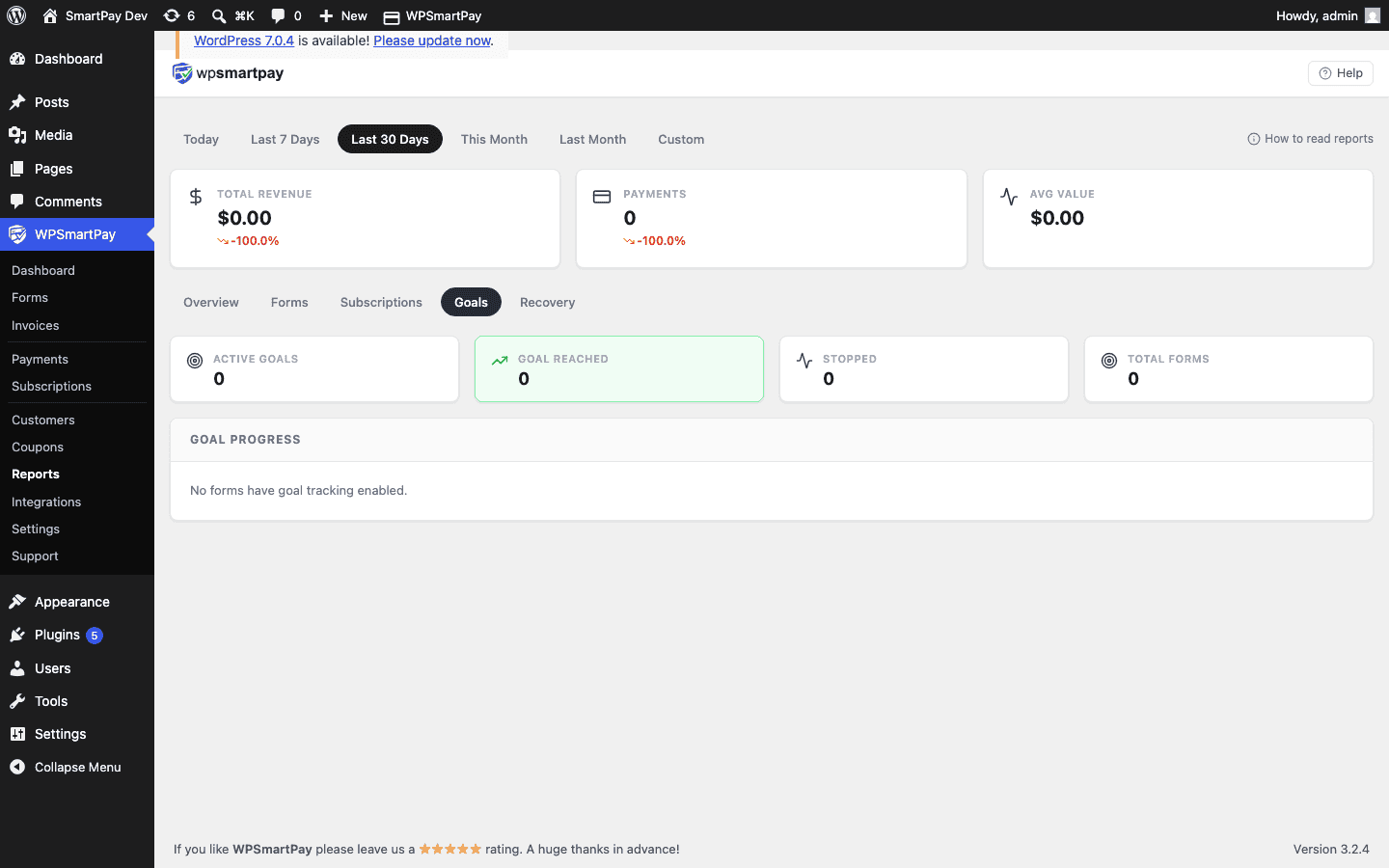
Go to SmartPay → Reports → Goals to see all active goals across every form at a glance. Campaign goals are tracked in the campaign's Overview tab and in Reports → Campaigns (Pro).
Summary Stats
Stat | What it shows |
|---|---|
Active Goals | Forms with a goal enabled and still collecting |
Goal Reached | Forms where the target has been met |
Stopped | Forms where collection was halted (goal met + stopped, or date passed) |
Total Forms | Total forms with a goal configured |
Per-Form Table
The table shows each form's goal type, target, current amount or count, progress percentage, and status badge (Active, Near Goal, or Goal Reached). Click any row to open the form editor.
Near Goal status appears when a form has reached 80 % or more of its target, making it easy to spot campaigns that need a final push.