
Redirects customers to a WPFunnels funnel page or any custom URL after payment — useful for delivering upsells, onboarding sequences, or custom thank-you pages built in WPFunnels.
Requirements
WPFunnels must be installed and active (free version on WordPress.org). Build at least one funnel in WPFunnels → Funnels before configuring the redirect URL.
Setup
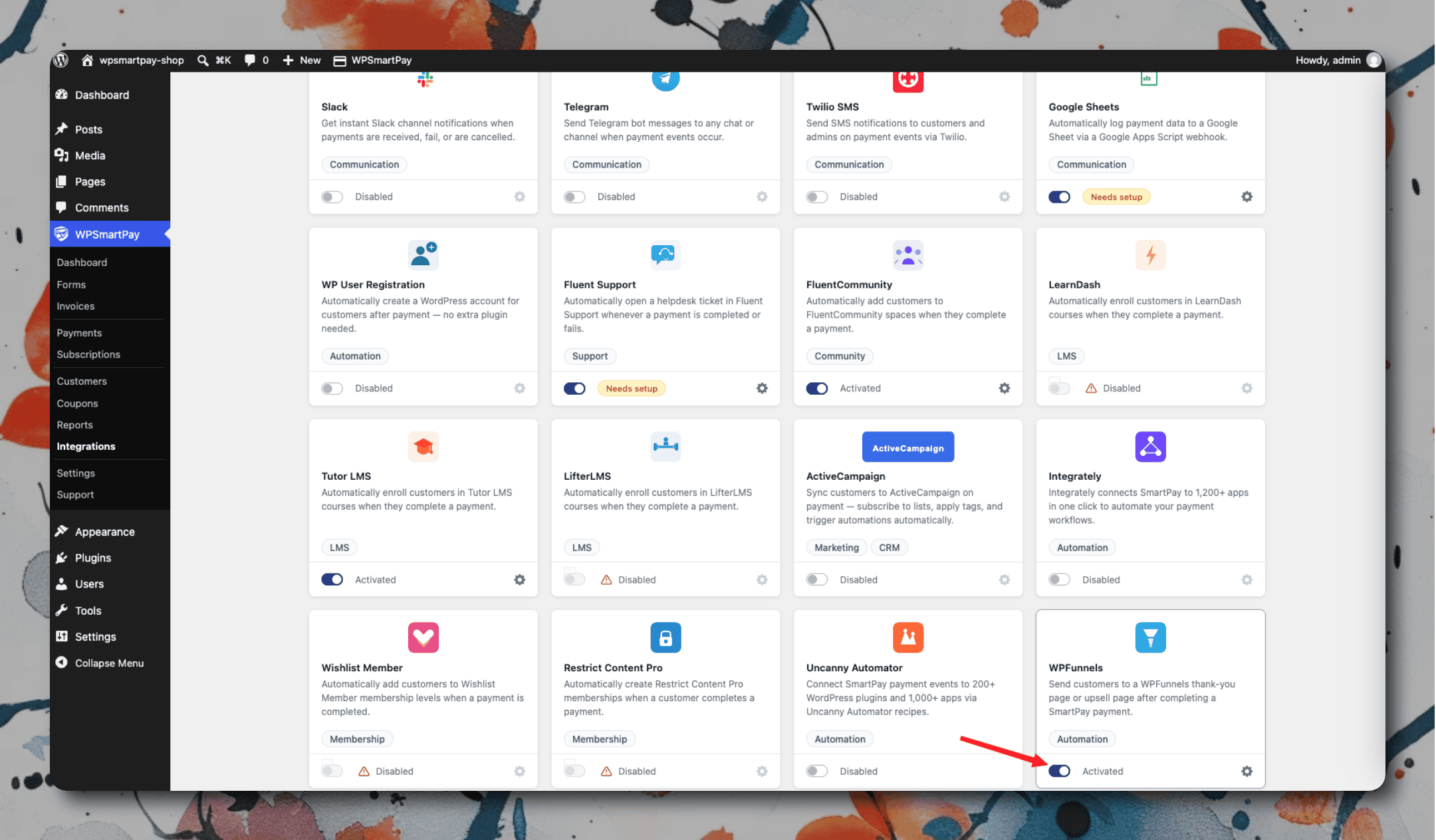
Go to SmartPay → Extensions and toggle WPFunnels on.
Click the gear icon to open Settings → Extensions → WPFunnels.
Enter the Default Funnel URL — customers who complete a payment will be redirected here unless a per-form override is set.
Click Save Changes.
Per-form redirect: Open any form in the form editor, go to the WPFunnels panel in the sidebar, and enter the funnel URL for that specific form — this overrides the global default.