
Skip the bulky e-commerce plugins and sell your Tutor LMS content directly through WPSmartPay. This integration creates a seamless bridge between your payment forms and your e-learning platform.
As soon as a transaction clears, students are instantly enrolled in their chosen courses, ensuring an uninterrupted transition from checkout to the classroom.
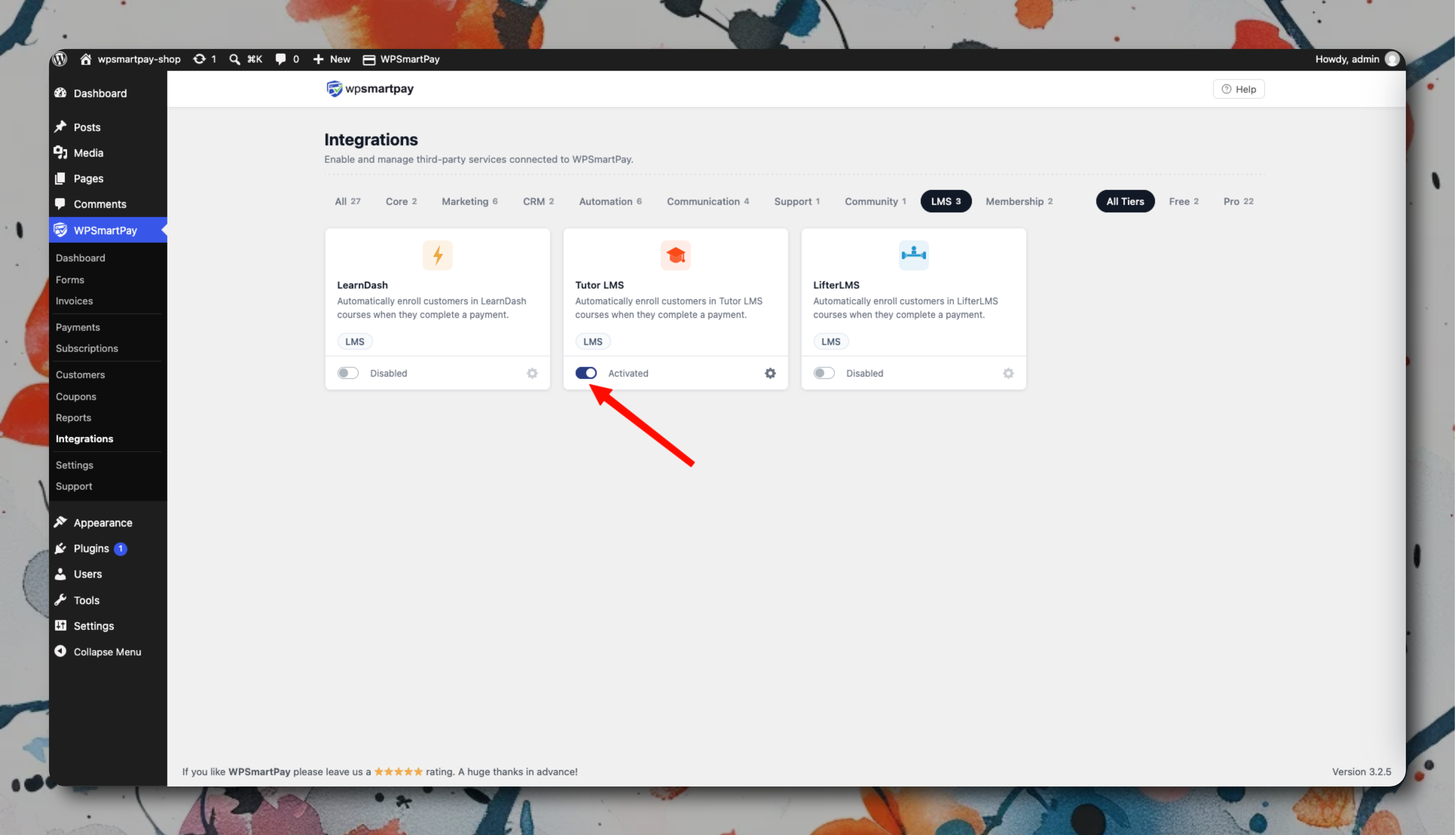
Setup
Go to SmartPay → Extensions → Tutor LMS → Settings and activate.
In each SmartPay payment form, under the Integrations tab, select the Tutor LMS Course to enroll the buyer in.
Save.
How Access Is Managed
Payment Event | Tutor LMS Action |
|---|---|
Successful Order (One-Time) | Student is instantly enrolled in the specific Course |
New Subscription Activated | Student is instantly enrolled in the specified Course |
Subscription Renewal Clears | Enrollment remains active |
Subscription cancelled | Course access is revoked |
Renewal Payment Fails | Course access is revoked, and the student is locked out |
Order Refunded | Student is completely unenrolled and loses access to the course |
Tutor LMS enrollments are per-course. If you want to sell access to multiple courses, either use a Tutor LMS Bundle or add multiple SmartPay–Tutor LMS mappings on the same form.