
WP SmartPay Pro includes a reporting suite that gives you a data-driven view of your revenue, forms performance, subscriptions, goals, payment recovery, and donation campaigns. All reports live under SmartPay → Reports.
Accessing Reports
Go to SmartPay → Reports in your WordPress admin sidebar. The Reports page opens on the Revenue tab by default.
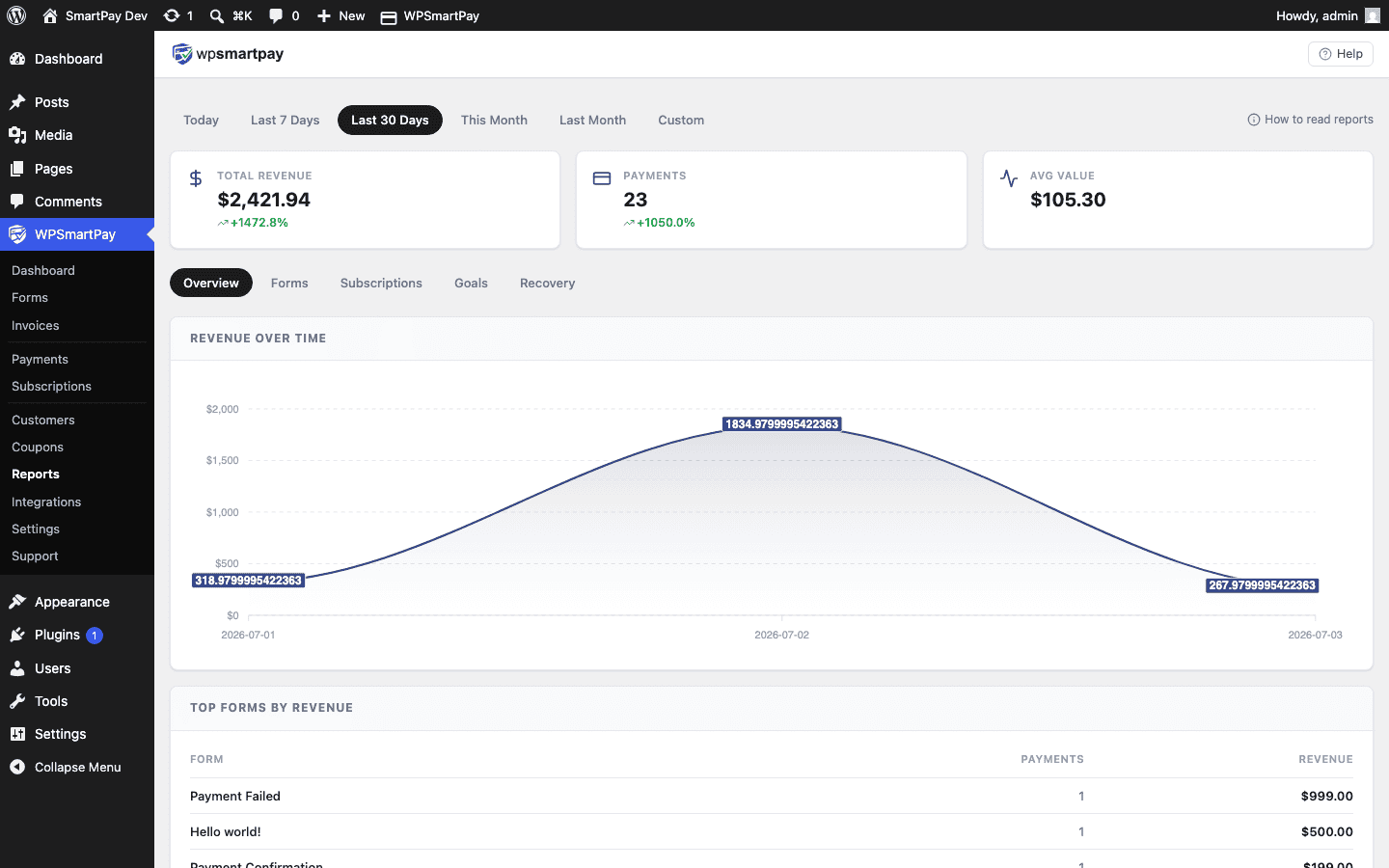
Report Tabs
- Revenue — Monthly bar chart, key stats (total revenue, order count, average order value), and top-performing forms and products. See Revenue Report.
- Forms — Per-form breakdown of views, completions, revenue, and conversion rate. See Forms Report.
- Subscriptions — Active subscription count, Monthly Recurring Revenue (MRR), and subscription lifecycle metrics. See Subscriptions Report.
- Goals — Revenue goal progress bars and completion tracking. See Revenue Goals & Progress Bar.
- Recovery — Failed and abandoned payment recovery status and revenue at risk. See Payment Recovery Report.
- Campaigns — Raised, donations, donors and goal progress per donation campaign, plus top donors. See Campaign Reports & Donor Export.
Date Range Selector
The date range selector at the top of the Reports page controls which data is displayed across all tabs. Available periods include:
- Today — Current day only.
- This Week — Current calendar week (Monday to Sunday).
- This Month — Current calendar month.
- Last Month — Previous complete calendar month.
- Custom Range — Pick any start and end date.
Changing the period updates all tabs simultaneously — you only need to set it once.
Note: Reports are available to WordPress users with the manage_options capability (Administrators by default). You can restrict access further using capability filters if needed.