
The Paddle VAT Invoice Add-on for Easy Digital Downloads makes it simple to generate VAT-compliant invoices automatically.
Follow this quick guide to set it up:
Download the Add-on
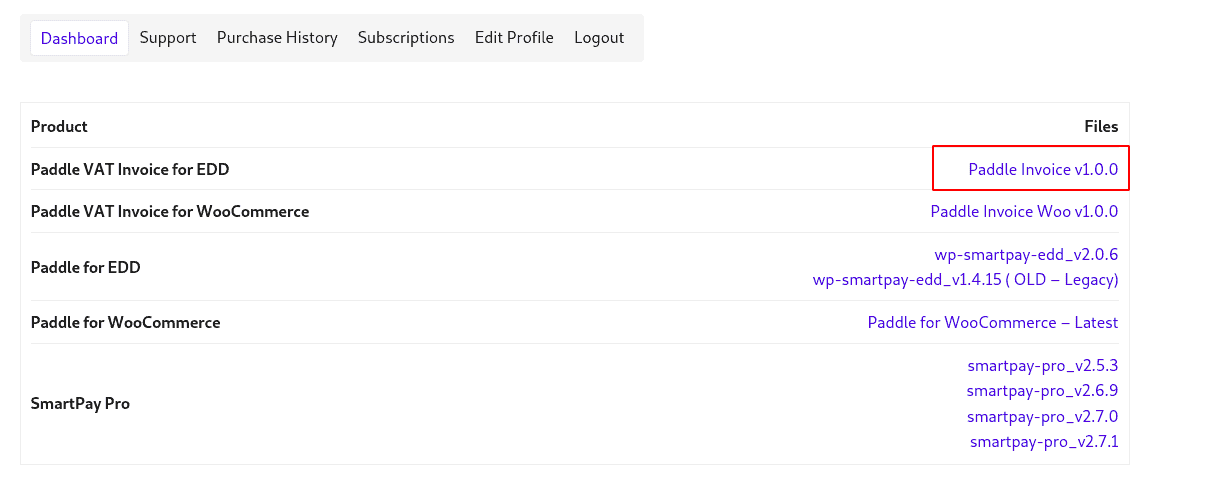
Log in to your account, navigate to the Downloads section, and download the file (paddle-invoice-edd.zip).
Install the Add-on
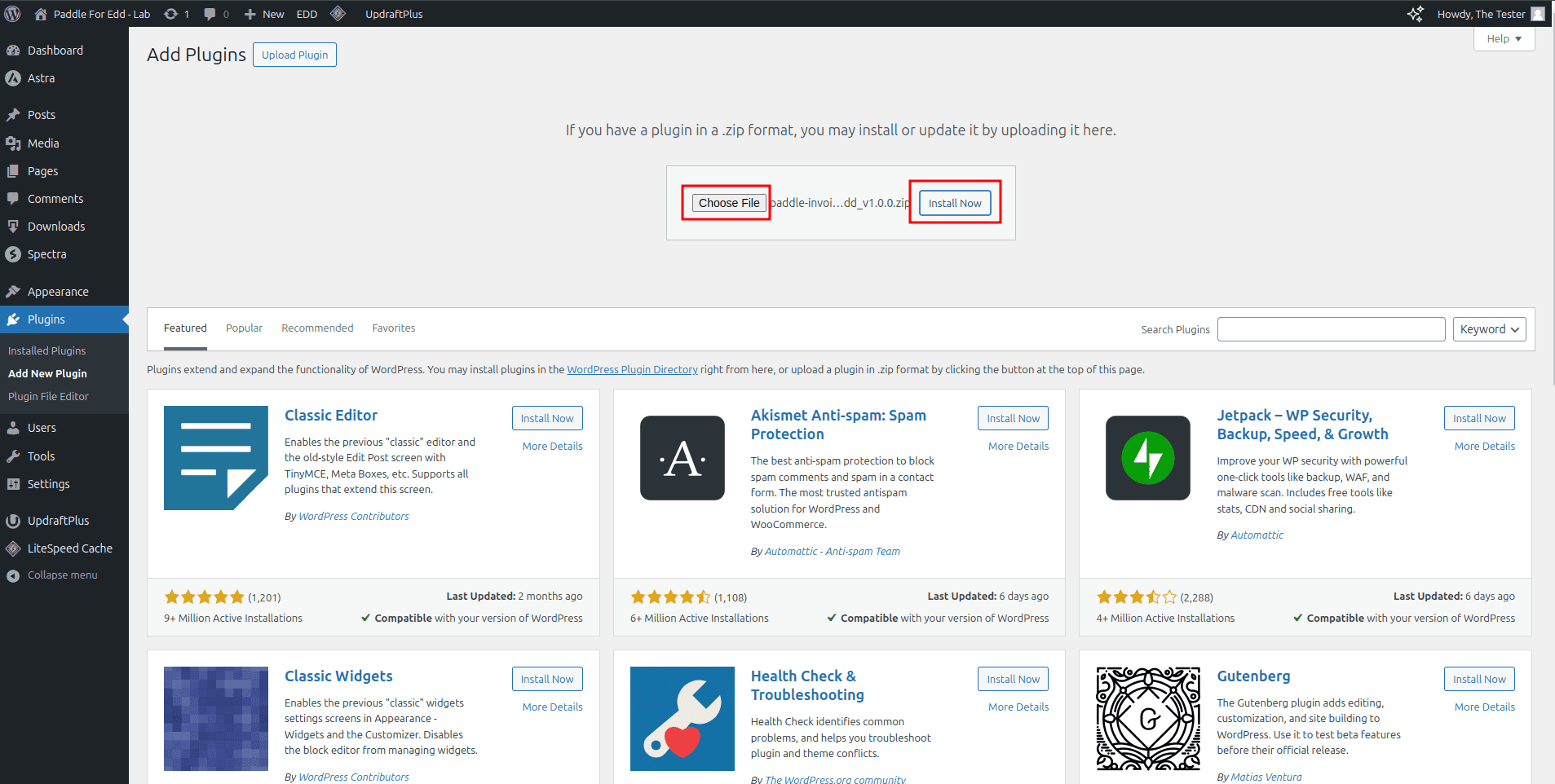
In your WordPress dashboard, go to Plugins > Add New. Click Upload Plugin, select the downloaded file, and click Install Now.
Activate the Add-on
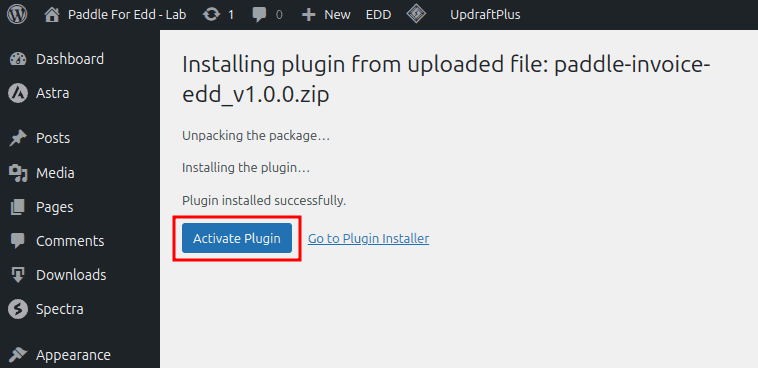
After installation, click Activate Plugin to enable VAT invoicing for your store.
Activating the License
Get your license key from your WPSmartpay account.
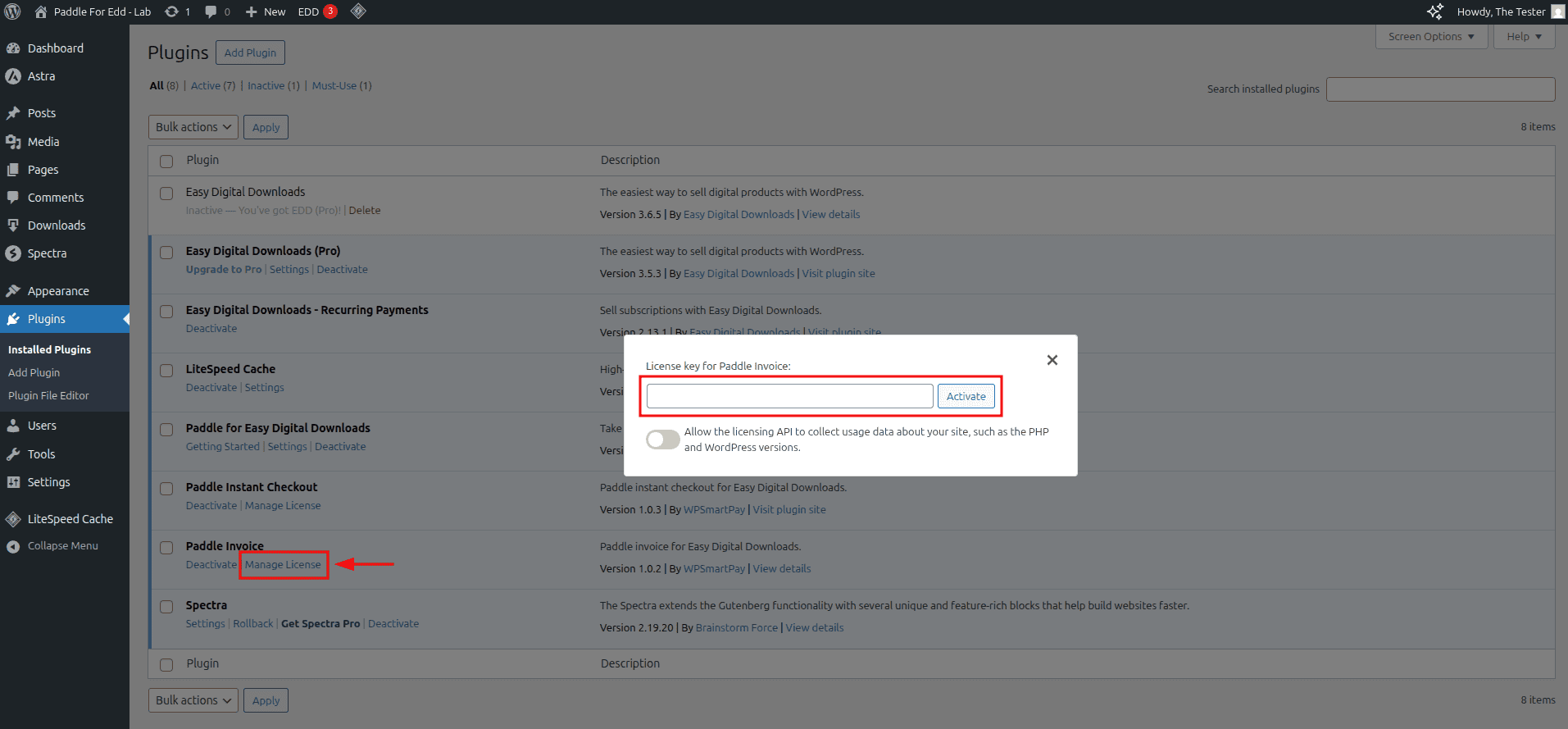
In your WordPress dashboard, navigate to Plugins > Installed Plugins.
Click the Manage License in the Paddle Invoice plugin.
Give the license key in the input field and click Activate.
Generate VAT Invoices Automatically
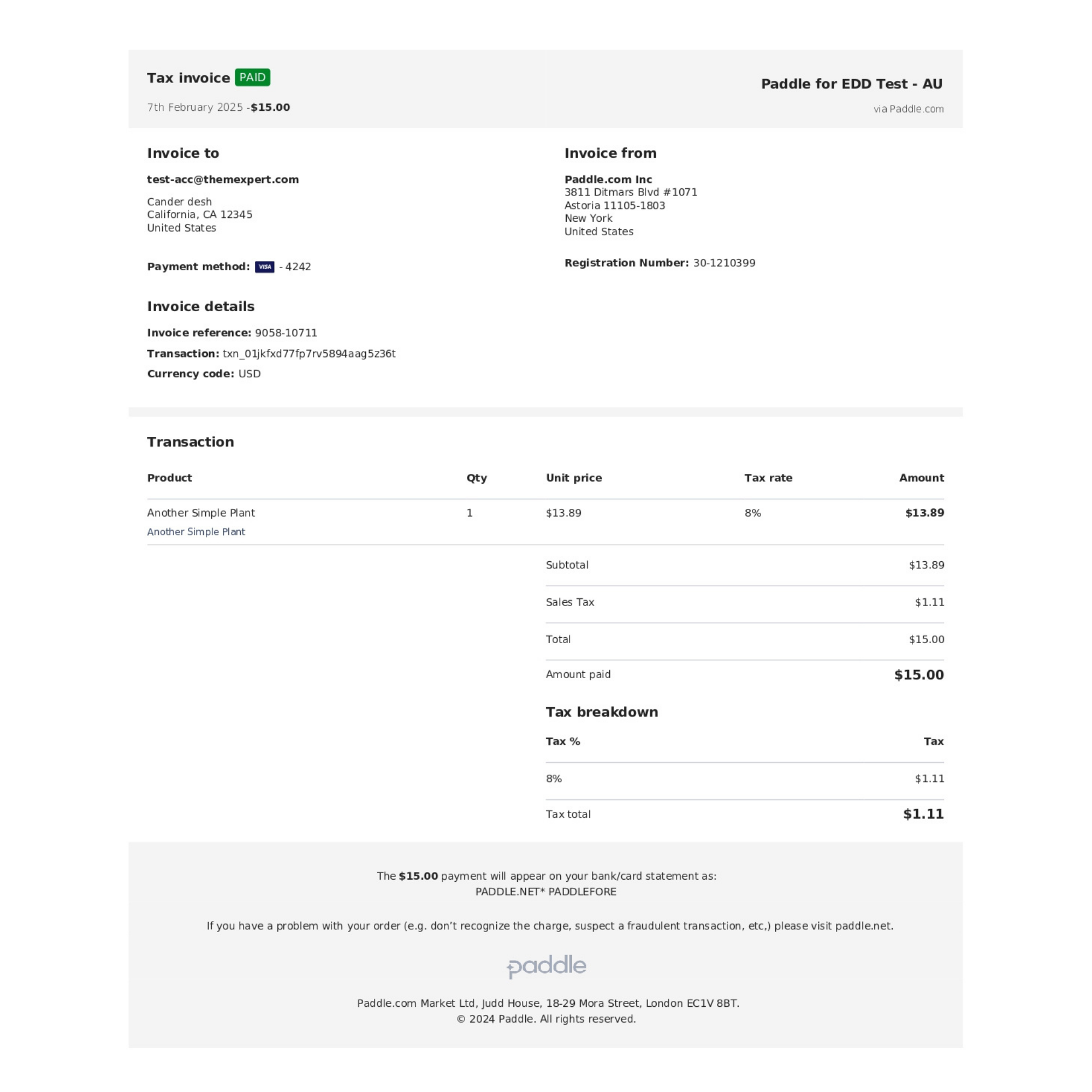
Once activated, the add-on will automatically generate VAT-compliant invoices for all transactions processed through Paddle for Easy Digital Downloads, no manual setup required!
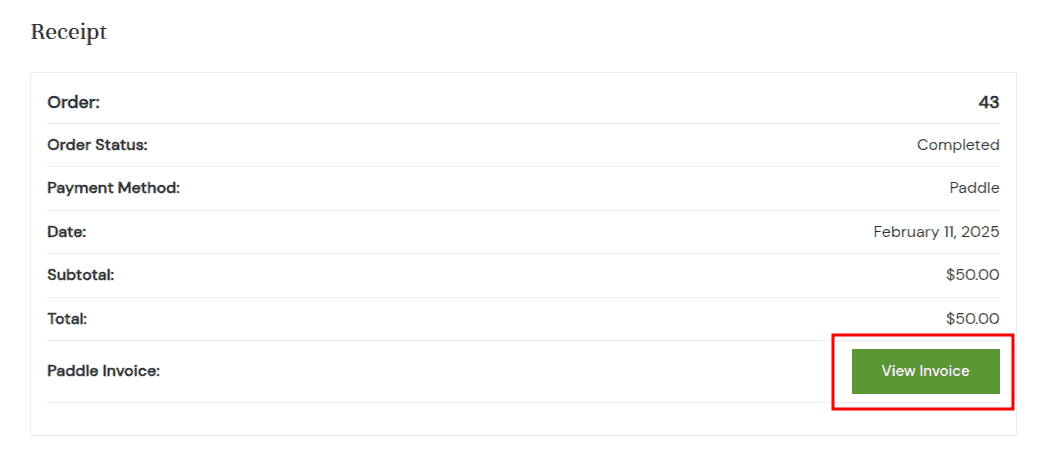
Here’s an example of a VAT invoice generated using this add-on:
Want to learn more? Click here to explore the Paddle VAT Invoice Add-on for EDD.