
LearnDash integration for WPSmartPay lets you sell courses directly without a heavy e-commerce plugin. By linking your payment forms straight to your LMS, you can completely automate student enrollment.
The moment a payment succeeds, students get immediate access to their courses or groups, creating a fast, frictionless checkout experience.
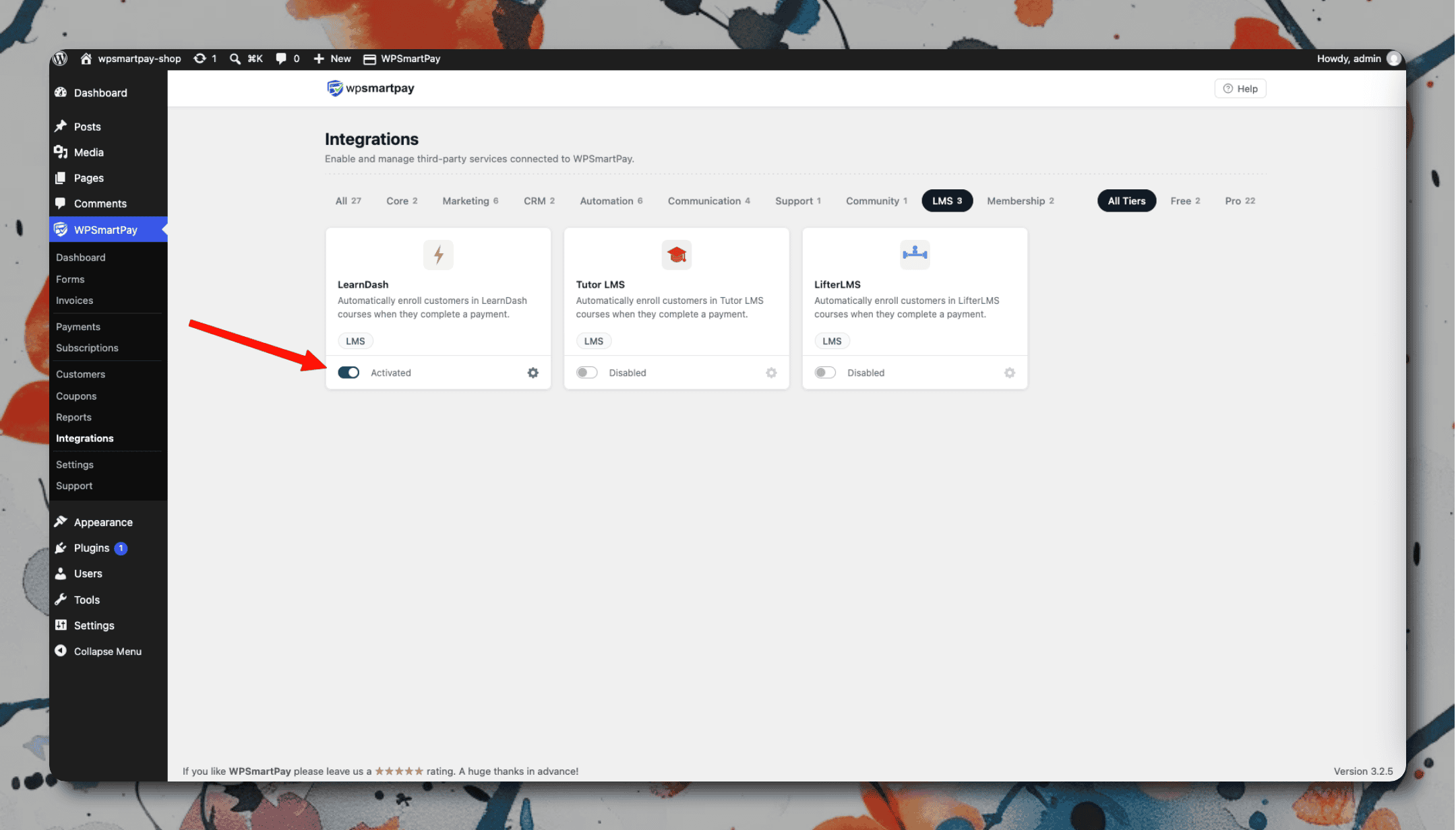
Setup
Go to SmartPay → Extensions → LearnDash → Settings and activate the integration.
In LearnDash, create a Group that contains the courses you want to sell.
In SmartPay, open each payment form and go to the Integrations tab.
Under LearnDash, select the Group to enroll the buyer into.
Save the form.
How Access Is Managed
Event | LearnDash action |
|---|---|
One-time payment completed | User added to Group (permanent access) |
Subscription created | User added to Group |
Subscription renewed | Access continues (no change needed) |
Subscription cancelled | User removed from Group |
Subscription payment failed | User removed from Group (Failing status) |
Refund issued | User removed from Group |