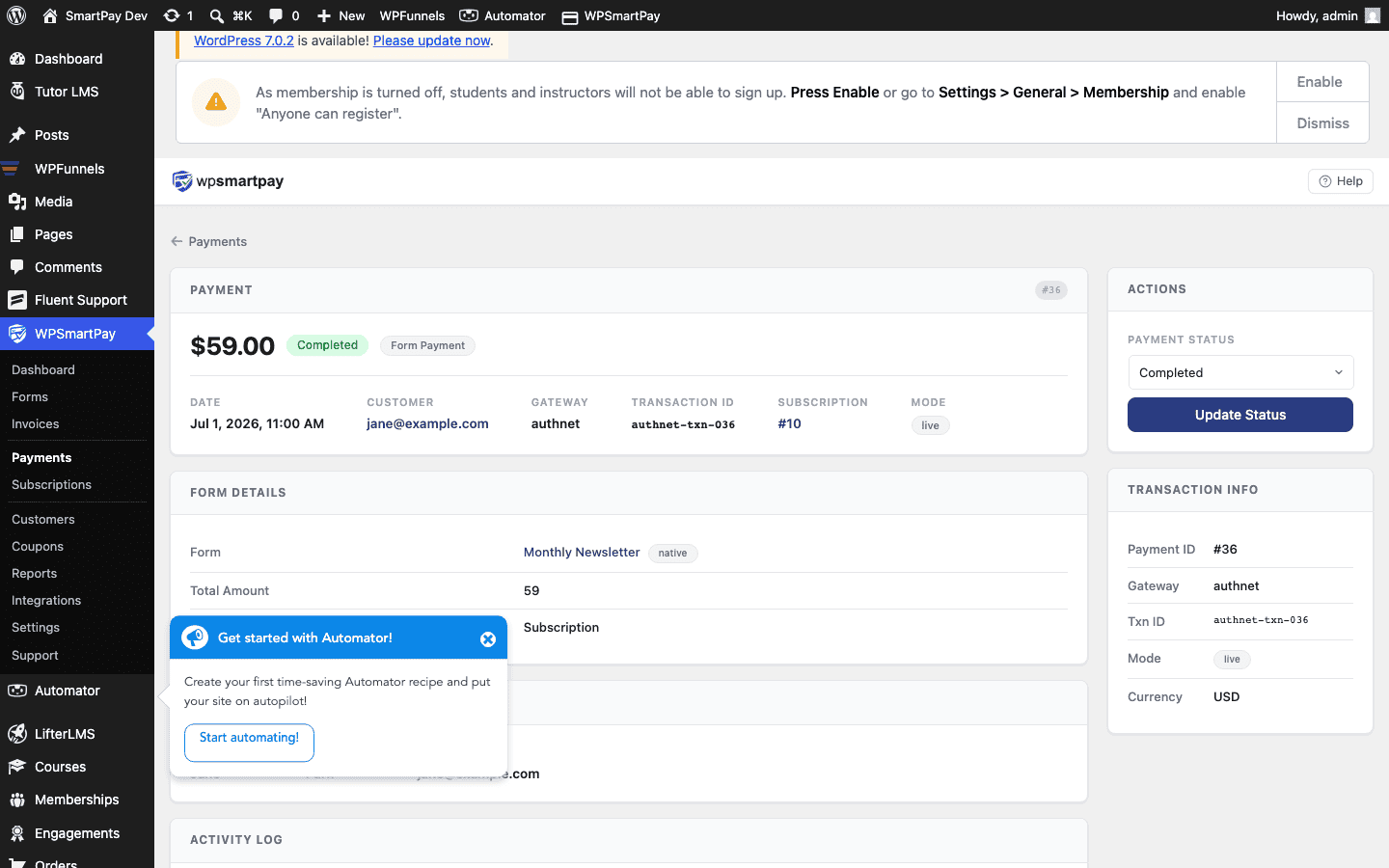
Payment Statuses Explained
Every payment in WP SmartPay has a status that describes where it is in the payment lifecycle. Understanding each status helps you identify which payments need attention and how money has flowed through your site.
Status Reference
Pending
The payment has been created but not yet confirmed by the gateway. This is the initial state for almost all payments immediately after checkout submission. Most gateways resolve Pending to Completed in seconds via a webhook.
What triggers it: Customer clicks the pay button; SmartPay creates the payment record and sends it to the gateway.
Processing
The gateway has accepted the payment request and is actively verifying it. Less common than Pending; seen with bank-based gateways that have an intermediate processing step (e.g., ACH transfers, certain regional gateways).
Completed
The payment was successful. The customer's card or account was charged, the gateway confirmed the funds, and the payment lifecycle is complete. This is the status that increments your revenue stats.
What triggers it: Gateway webhook (payment.succeeded, payment_intent.succeeded, PAYMENT.SALE.COMPLETED, etc.) received and verified by SmartPay.
Failed
The payment was declined or encountered an error. Common causes: insufficient funds, expired card, incorrect CVC, gateway timeout, or fraud rules.
What triggers it: Gateway returns a failed event or charge attempt returns an error code.
Cancelled
The payment was stopped before processing completed — either by the customer closing the checkout, by an admin marking it cancelled, or by the gateway voiding the transaction.
Refunded
The payment was completed and then partially or fully reversed. The customer received their money back. A refunded payment stays in your records for accounting purposes.
What triggers it: Refund initiated from SmartPay's payment detail page, or a refund webhook received from the gateway.
Abandoned
The customer started checkout but did not complete it. SmartPay creates a payment record when the form is submitted so that potential customers can be recovered; if no completion webhook arrives within the timeout window, the status is set to Abandoned.
Status Transitions
The typical lifecycle for a successful payment:
Pending → CompletedCommon alternative paths:
Pending → Failed
Pending → Cancelled
Completed → Refunded
Viewing Status History
Every status change is recorded in the activity log on the payment detail page with a timestamp. Open any payment and scroll to the Activity section to see the full history, including which event triggered each transition.