
WP SmartPay Pro's outgoing webhook system keeps a delivery log of every webhook it has attempted to send to your configured endpoints. Use this log to verify deliveries, diagnose failures, and re-send any that were not received.
Opening the Delivery Log
- Go to SmartPay → Settings → Webhooks.
- Click on the endpoint you want to inspect.
- Click the Delivery Log tab.
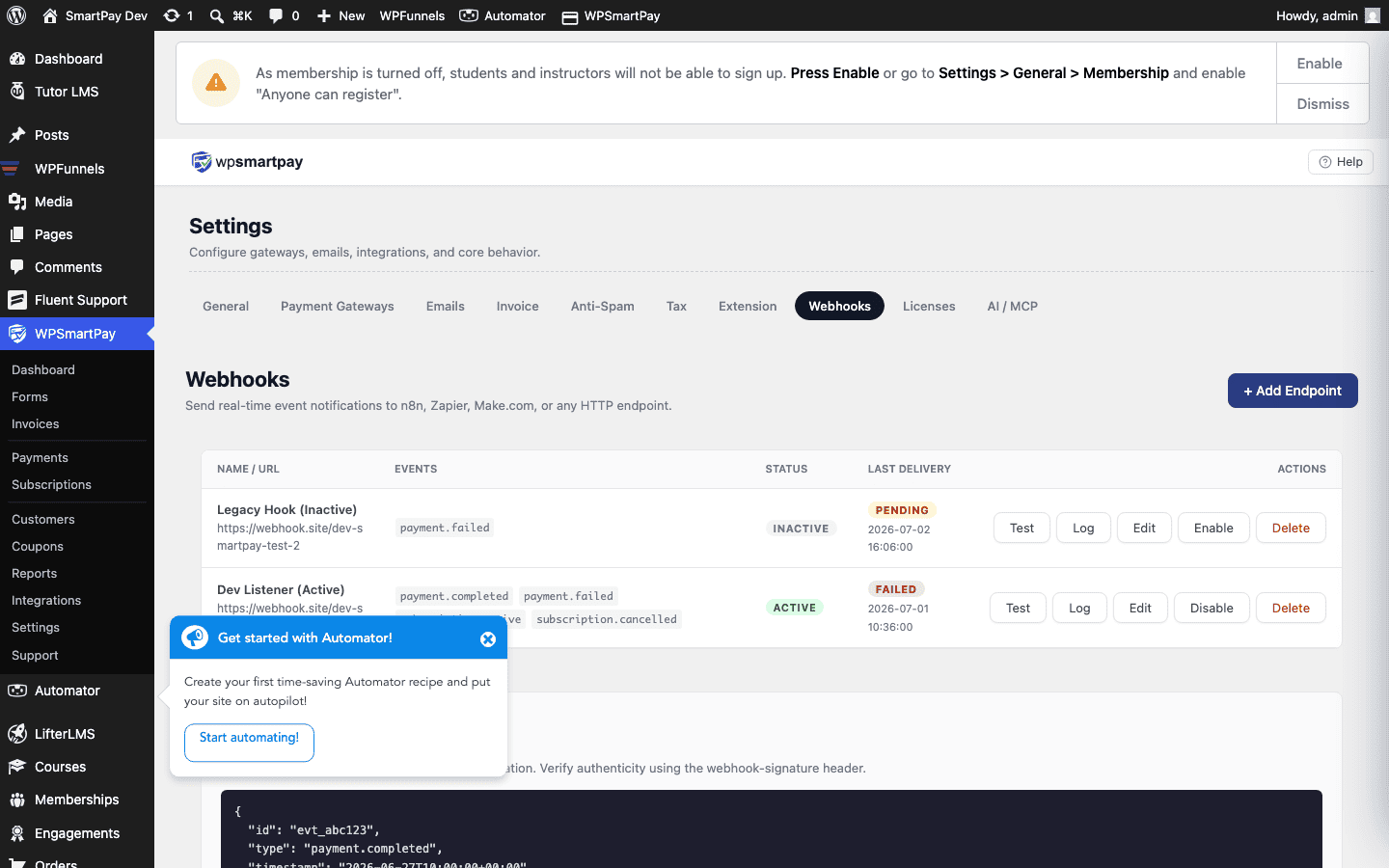
Reading the Log
Each row in the delivery log represents one webhook attempt:
- Event — The event type that triggered this delivery (e.g.,
payment.completed). - Sent At — When SmartPay sent the webhook request.
- Response Code — The HTTP status code returned by your endpoint. A
2xxcode (200, 201, 204) means success. Any other code is a failure. - Response Time — How long your server took to respond, in milliseconds. If consistently high (>5000ms), your endpoint may be timing out.
- Status — Delivered (success) or Failed.
Re-Sending Failed Deliveries
To retry a failed webhook:
- Find the failed row in the delivery log.
- Click Retry.
SmartPay immediately sends the same payload again to the endpoint. If your server is back up and responding correctly, the retry should succeed and the status will update to Delivered.
Understanding Failure Reasons
- 5xx response code — Your endpoint server had an error. Check your server's own error logs for the cause.
- 4xx response code — Your endpoint rejected the request (wrong URL, auth required, payload invalid). Check the URL is correct and the server does not require authentication SmartPay is not providing.
- Connection timeout (no response) — Your server did not respond within the timeout window (~30 seconds). Investigate slow responses or server downtime at the delivery timestamp.
Automatic Retry Schedule
SmartPay automatically retries failed webhook deliveries on a back-off schedule:
- 1st retry: 5 minutes after failure
- 2nd retry: 30 minutes after first retry
- 3rd retry: 2 hours after second retry
After three automatic retries, no further automatic attempts are made. Manual retry via the log remains available indefinitely.