
WP SmartPay Pro requires a valid license key to receive plugin updates and access Pro features. You enter and manage your license from SmartPay → Settings → License.
Opening License Settings
Go to SmartPay → Settings → License.
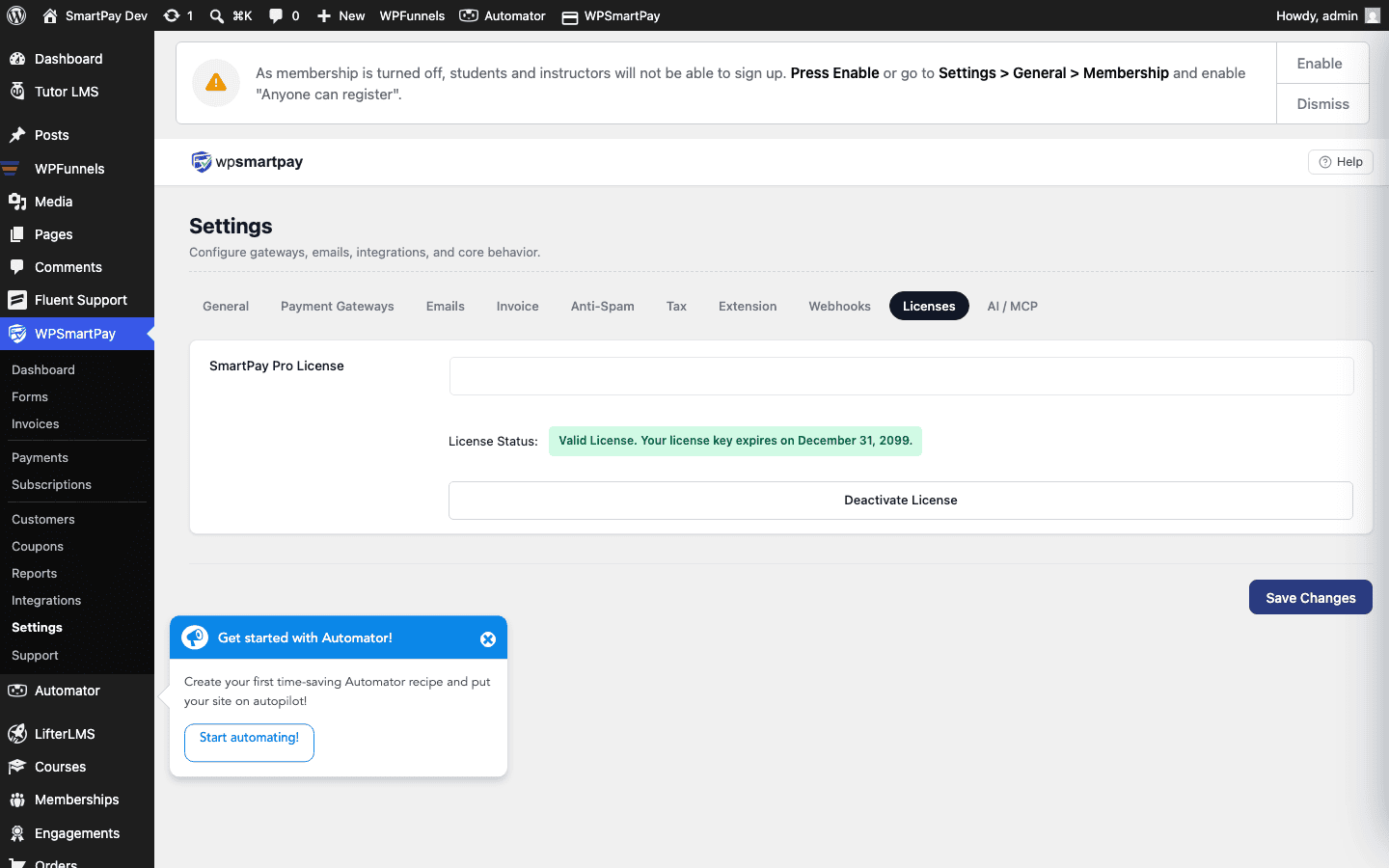
Entering Your License Key
- Log in to your WP SmartPay account at wpsmartpay.com and copy your license key.
- Go to SmartPay → Settings → License.
- Paste the key into the License Key field.
- Click Activate License.
SmartPay sends an activation request to the licensing server. Within a few seconds the page refreshes and shows your license status.
License Status Values
- Valid — License is active and in good standing. All Pro features are available and you receive updates.
- Expired — Your license has expired. Pro features continue to work but you no longer receive plugin updates or support. Renew to restore updates.
- Inactive — The license key was entered but not activated on this site, or activation failed. Click Activate License to try again.
- Invalid — The key is not recognised. Double-check you copied the full key with no extra spaces.
- Disabled — The license has been disabled by the seller (contact support if you believe this is an error).
Activating on Multiple Sites
License activation limits depend on your plan (e.g., single site, 3 sites, unlimited). If you need to activate on an additional site, deactivate the license on a site you are no longer using, then activate on the new one.
Deactivating a License
- Go to SmartPay → Settings → License on the site you want to remove.
- Click Deactivate License.
- The activation slot is freed and can be used on another site.
What Happens When a License Expires
An expired license does not disable Pro features — your payment forms, subscriptions, invoices, and integrations continue to operate normally. However:
- Plugin update notifications stop appearing.
- Support tickets may be declined for expired license holders.
- Some advanced features tied to a specific plan tier may be restricted.
To renew, visit your account at wpsmartpay.com and complete the renewal checkout. After renewal, return to Settings → License and click Activate License to refresh your key status.