
Toyyibpay is a Malaysian payment gateway that supports FPX online banking, credit/debit cards, and e-wallets. It is popular with Malaysian businesses looking for a simple API integration. WP SmartPay Pro includes a Toyyibpay integration for accepting payments from Malaysian customers.
Prerequisites
- A Toyyibpay account. Business verification required for live payments.
- Your Toyyibpay User Secret Key and Category Code.
- WP SmartPay Pro with a valid license.
Country Availability
Toyyibpay is available to businesses registered in Malaysia.
Finding Your Toyyibpay Credentials
- Log in to your Toyyibpay account at toyyibpay.com.
- Go to Profile → User Secret Key to copy your secret key.
- Go to Category to create or find your payment category and copy the Category Code.
Connecting Toyyibpay in SmartPay
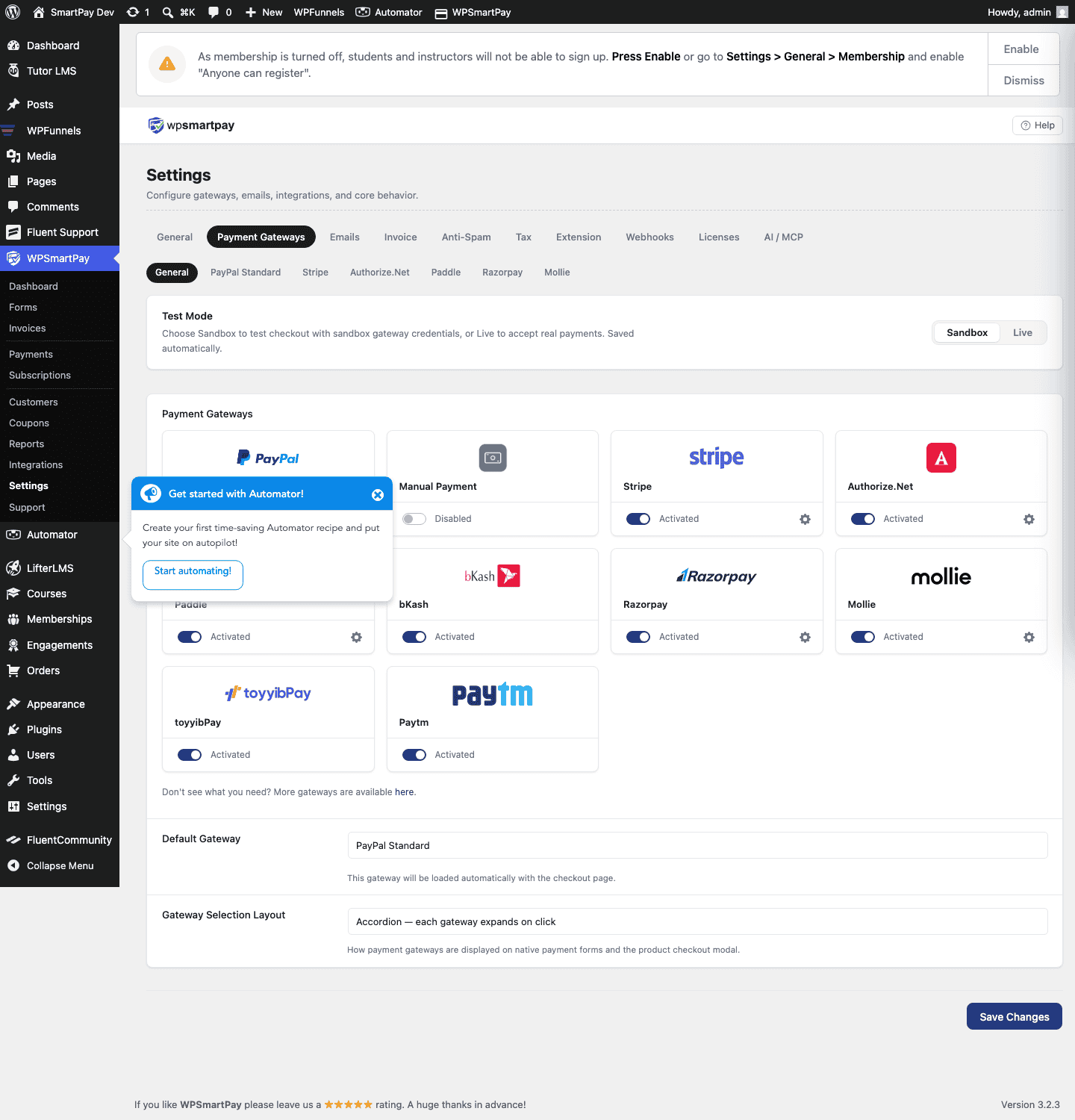
- Go to SmartPay → Settings → Payment Gateways.
- Find Toyyibpay and tick Enable.
- Enter your User Secret Key and Category Code in the live fields.
- Enter sandbox credentials in the test fields (Toyyibpay provides a sandbox environment at
dev.toyyibpay.com). - Click Save Settings.
How Toyyibpay Checkout Works
When a customer selects Toyyibpay at checkout:
- SmartPay creates a Toyyibpay bill via the API.
- The customer is redirected to Toyyibpay's hosted payment page.
- The customer selects their payment method (FPX, card, or e-wallet) and completes payment.
- Toyyibpay redirects the customer back to your site and sends a callback to SmartPay.
- SmartPay updates the payment status based on the callback.
Supported Payment Methods
- FPX Online Banking (all Malaysian banks)
- Visa and Mastercard
- Touch 'n Go eWallet
- ShopeePay
- GrabPay
Supported Currencies
Malaysian Ringgit (MYR) only.
Common Errors & Fixes
- "Invalid category code" — The Category Code must match exactly what is set in your Toyyibpay account. Codes are case-sensitive.
- Callback not received — Ensure your site URL is accessible publicly and matches the URL registered in Toyyibpay. Local/test sites on localhost will not receive callbacks.