
High-ticket courses and coaching programs lose potential students when the full price must be paid upfront. Offering a payment plan — such as 3 monthly installments instead of one lump sum — can significantly increase conversions. WP SmartPay Pro handles installment billing natively through its subscription feature with a fixed billing count.
Scenario
An online educator sells a 12-week business course for $597. To reduce checkout friction, they want to offer a 3-payment plan: $199/month for 3 months. After 3 payments the subscription ends automatically — no need for the student or admin to manually cancel.
What You Need
- WP SmartPay Pro (subscription billing with fixed installment count)
- A subscription-compatible gateway: Stripe, Mollie, or Paddle
- Optionally: LearnDash, LifterLMS, or Tutor LMS integration for course access gating
Step 1: Create a Fixed-Term Subscription Form
- Go to SmartPay → Forms → Add New.
- Set the price to $199.
- In the Subscription settings, set billing period to Monthly.
- Set Subscription Length to 3 months (or 3 billing cycles).
- The subscription will automatically complete after the 3rd payment — no manual cancellation needed.
Step 2: Offer Both Options on One Page
Display two forms side by side: the one-time payment ($597) and the payment plan ($199 × 3). Use a simple two-column layout:
<div style="display:grid;grid-template-columns:1fr 1fr;gap:2em">
  <div>
    <h3>Pay in Full — $597</h3>
    [smartpay_form id="10"]
  </div>
  <div>
    <h3>3 Monthly Payments — $199/mo</h3>
    [smartpay_form id="11"]
  </div>
</div>
Step 3: Gate Course Access (Optional)
If you use LearnDash, LifterLMS, or Tutor LMS:
- Go to SmartPay → Extensions and activate your LMS integration.
- Map the subscription form to the course or group in your LMS.
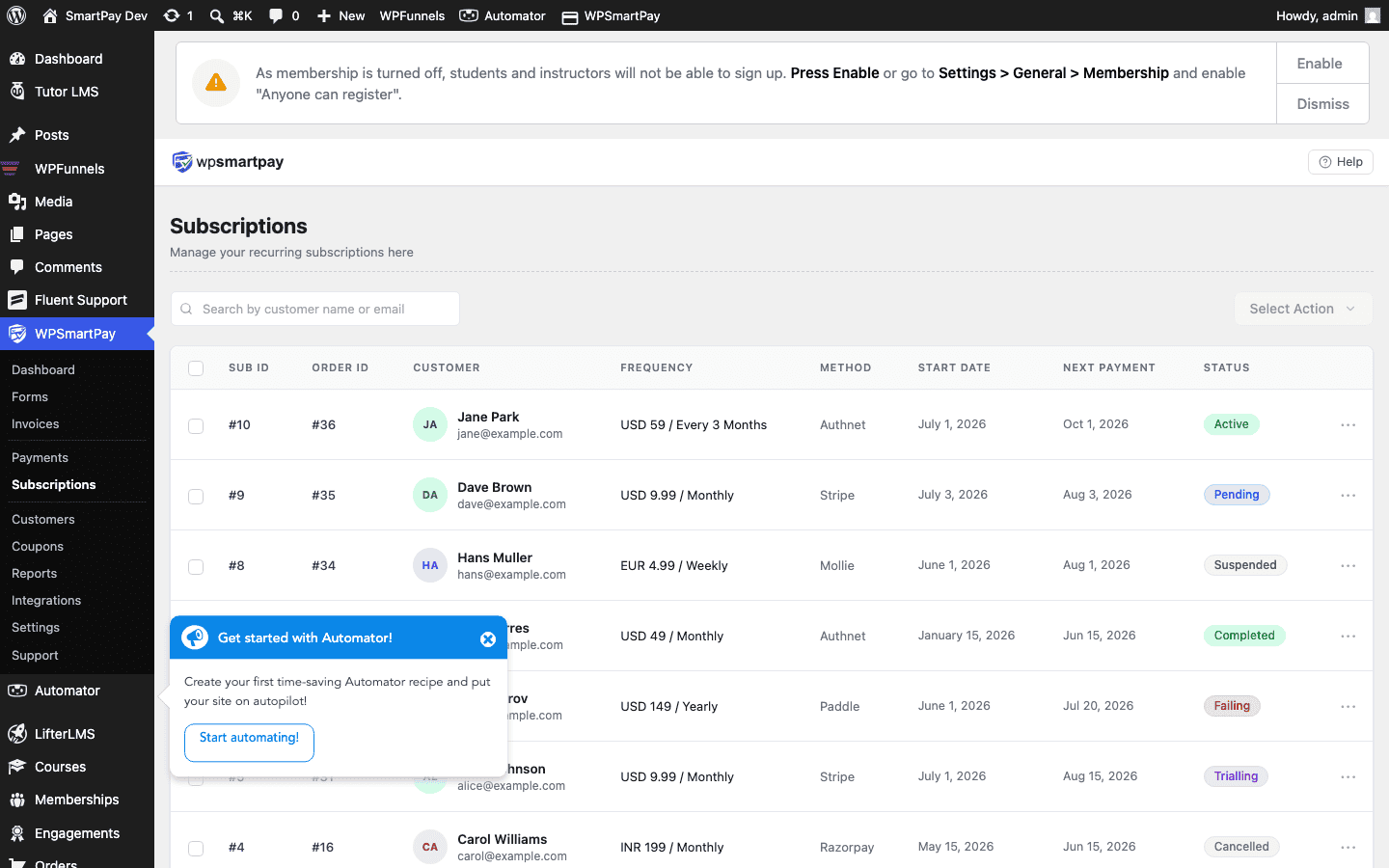
- Students gain access after the first payment and lose access if a payment fails.
What Happens After All Payments
After the 3rd monthly charge, SmartPay marks the subscription as Completed. No further charges are made. The student's course access (if LMS-gated) remains active — completion of the payment plan doesn't remove access.
Handling a Failed Installment
If one of the 3 payments fails:
- SmartPay marks the subscription as Failing and retries automatically (Smart Retries for Stripe).
- The student receives a payment failure notification email.
- If retries are exhausted, the subscription is cancelled and LMS access is suspended until payment resumes.
- The student can update their payment method via the customer account page and reactivate.
Result
Students who couldn't afford $597 upfront can now enroll for $199 today. The payment plan runs automatically — SmartPay charges the student's card on the same date each month for 3 months, sends receipts, and marks the subscription complete when done. No manual invoicing, no spreadsheets.
Tips
- Offer a small discount for paying in full (e.g., save $0 vs $597 all-at-once for $597 vs 3×$199=$597) — or deliberately price it so the plan costs more (3×$219=$657) to incentivize the upfront option.
- Use the Revenue Report to see how many students are on payment plans vs paid-in-full, useful for cash flow forecasting.
- Add a coupon code to your welcome email that gives a discount on a future course — a simple retention tactic.